
CMYK Services
Technical Abstract
Project
Discovery.
The Project Discovery phase for CMYK Services was born from a direct need to bridge the gap between complex industrial printing requirements and user-friendly technology. By analyzing the limitations of our initial web platform, we identified that our clients—ranging from local business owners to technical print operators—required more than just a digital storefront; they needed a high-performance, mobile-first ecosystem. Our discovery process focused on mapping out the friction points in the existing web-to-customer journey, specifically targeting the speed of order placements for large-format media and the accessibility of our specialized spare parts inventory.
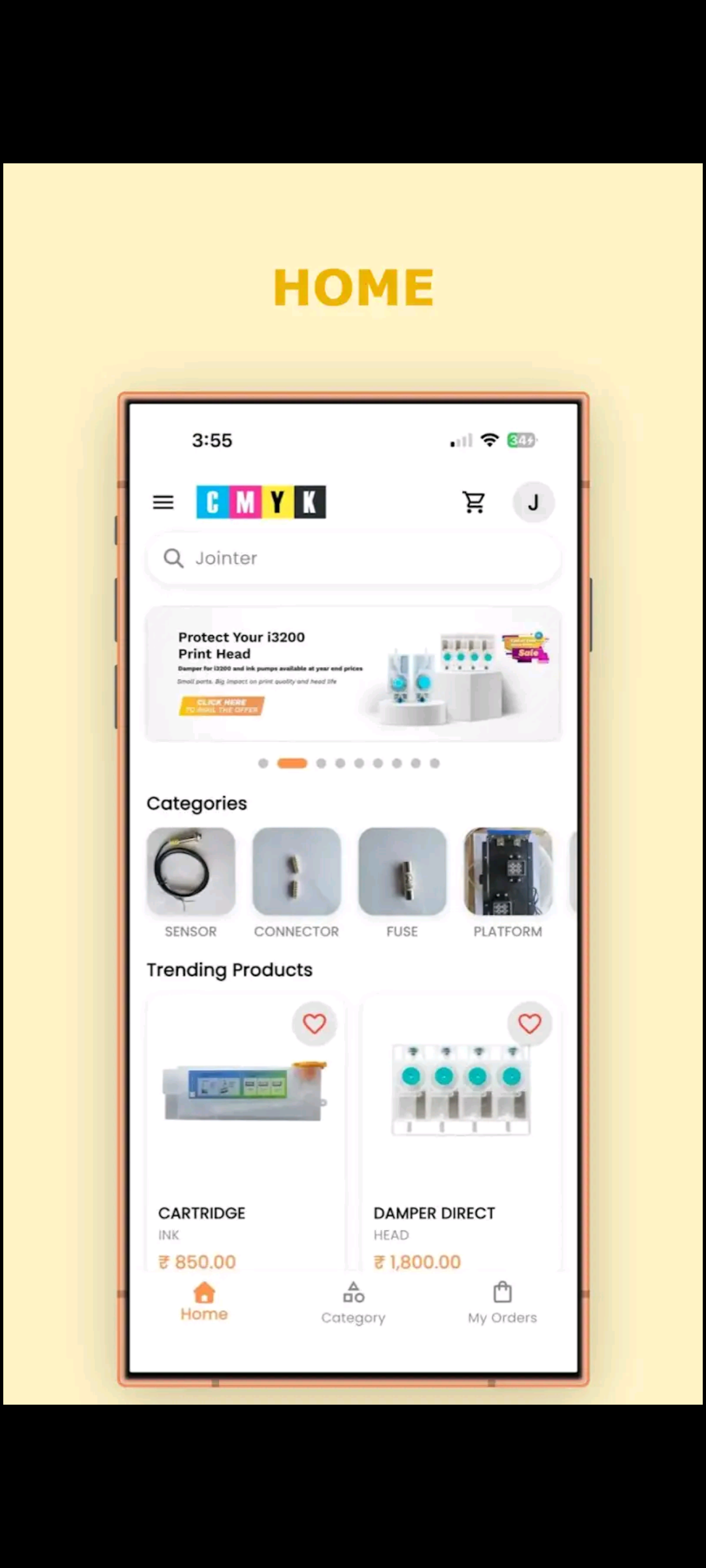
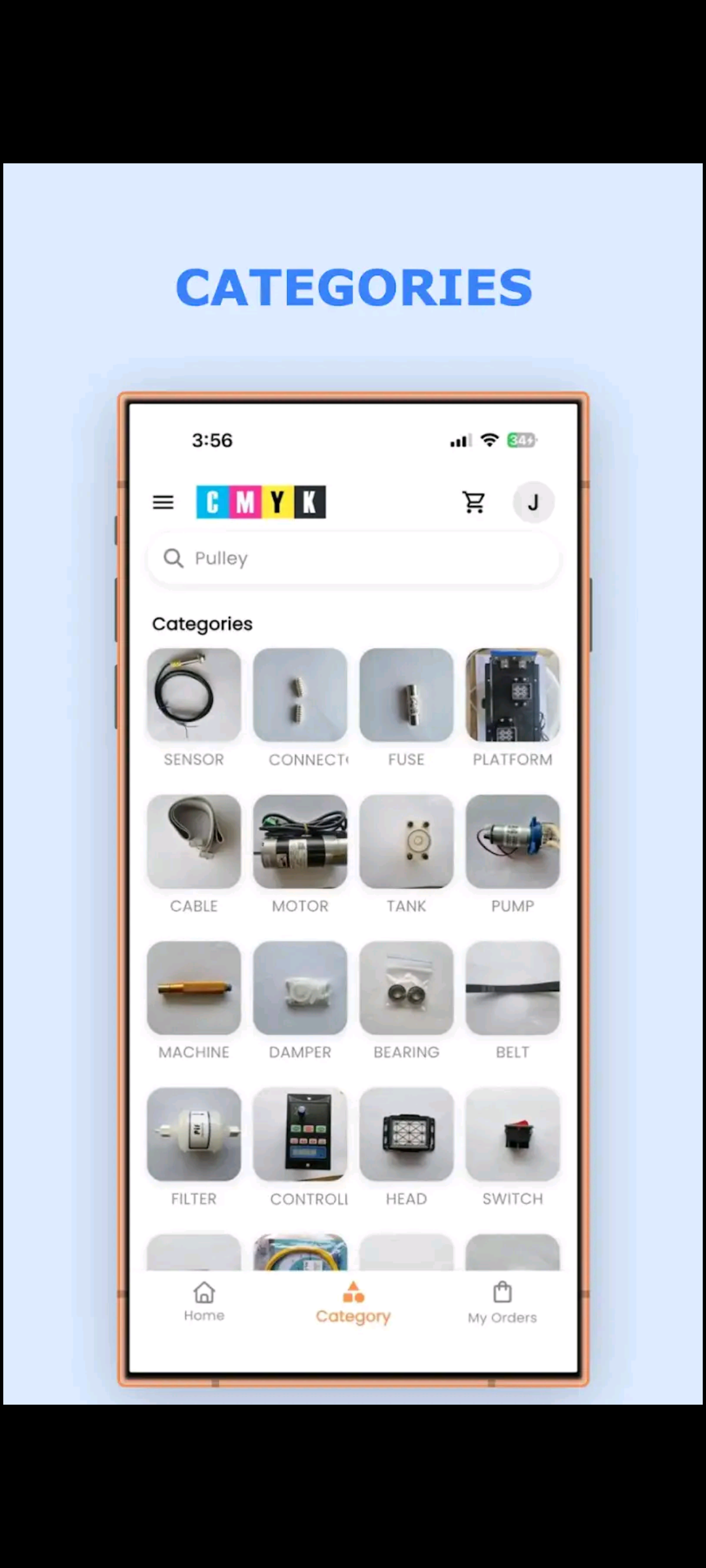
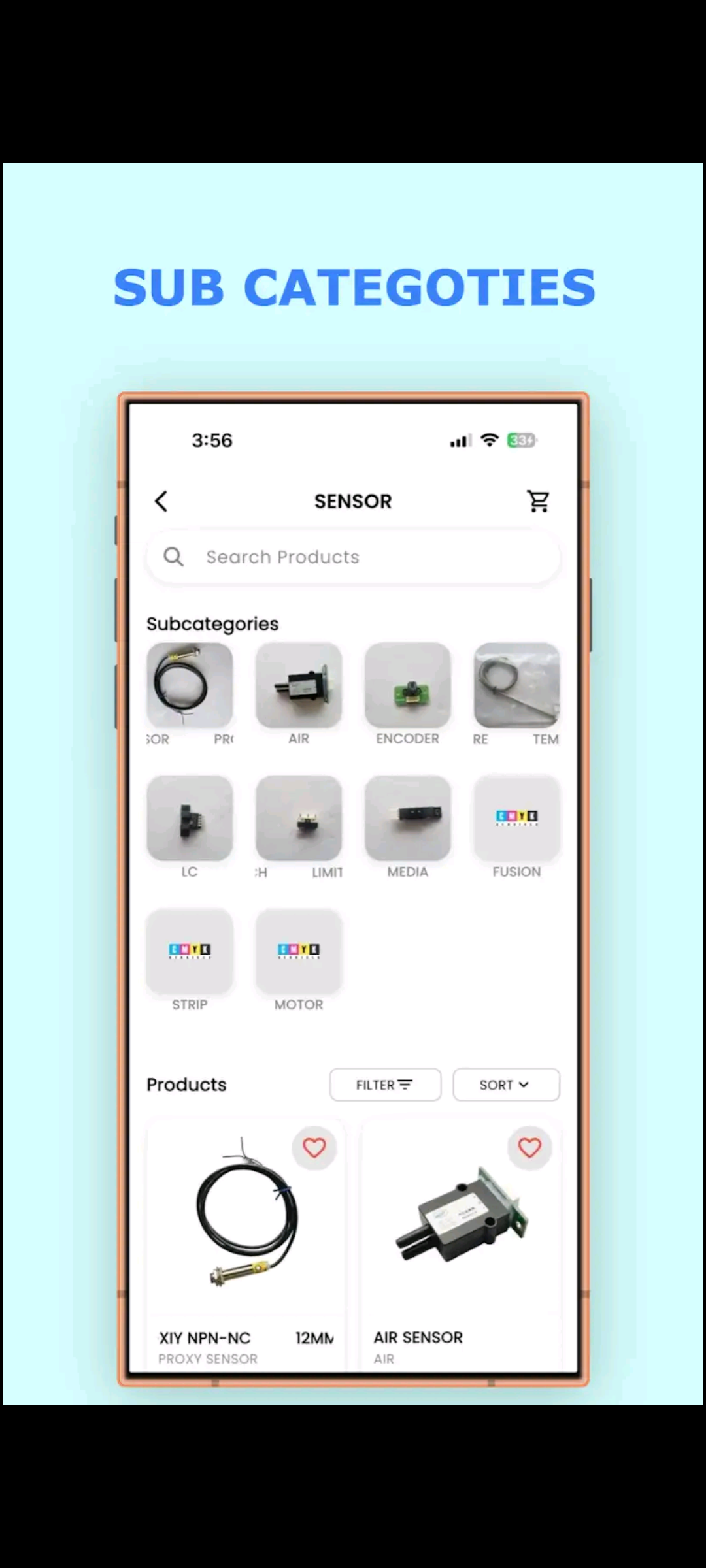
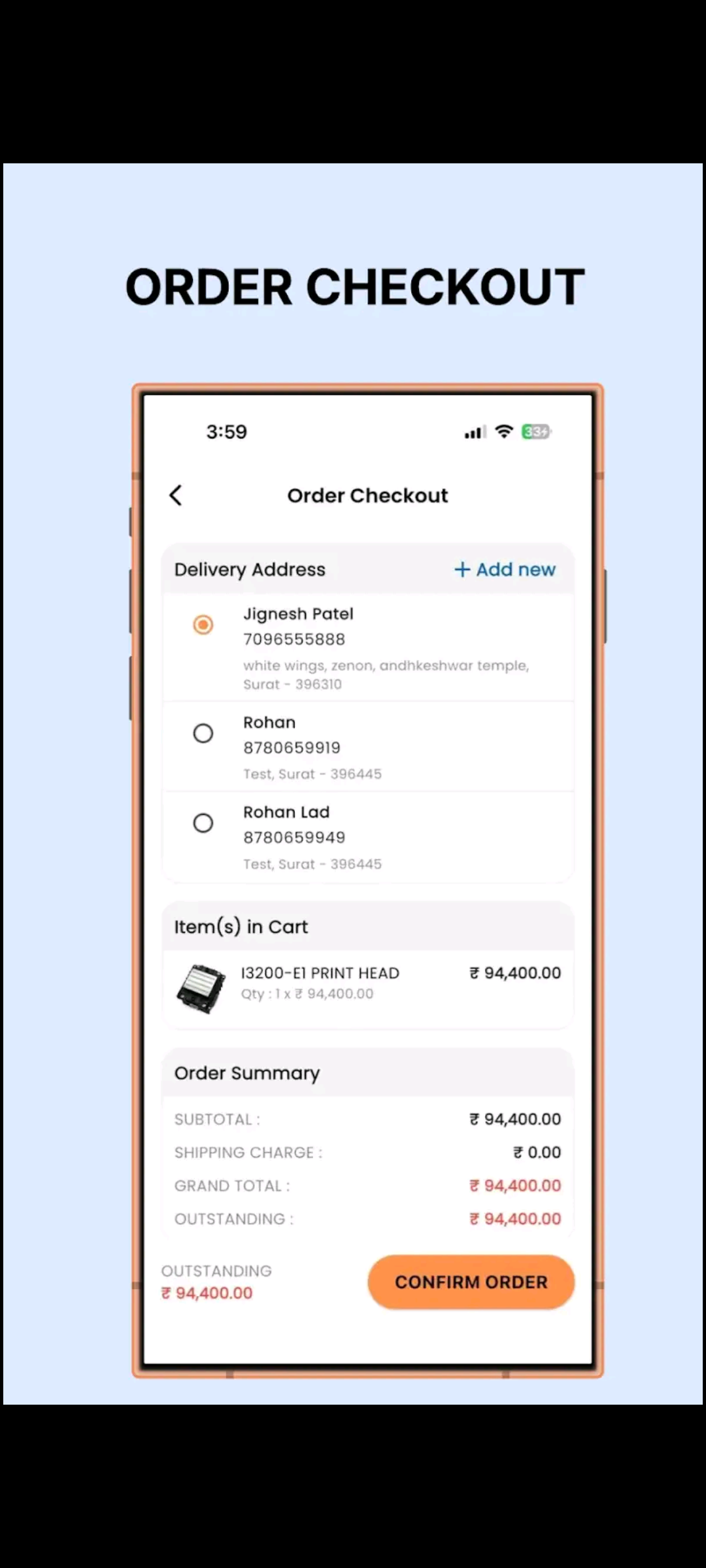
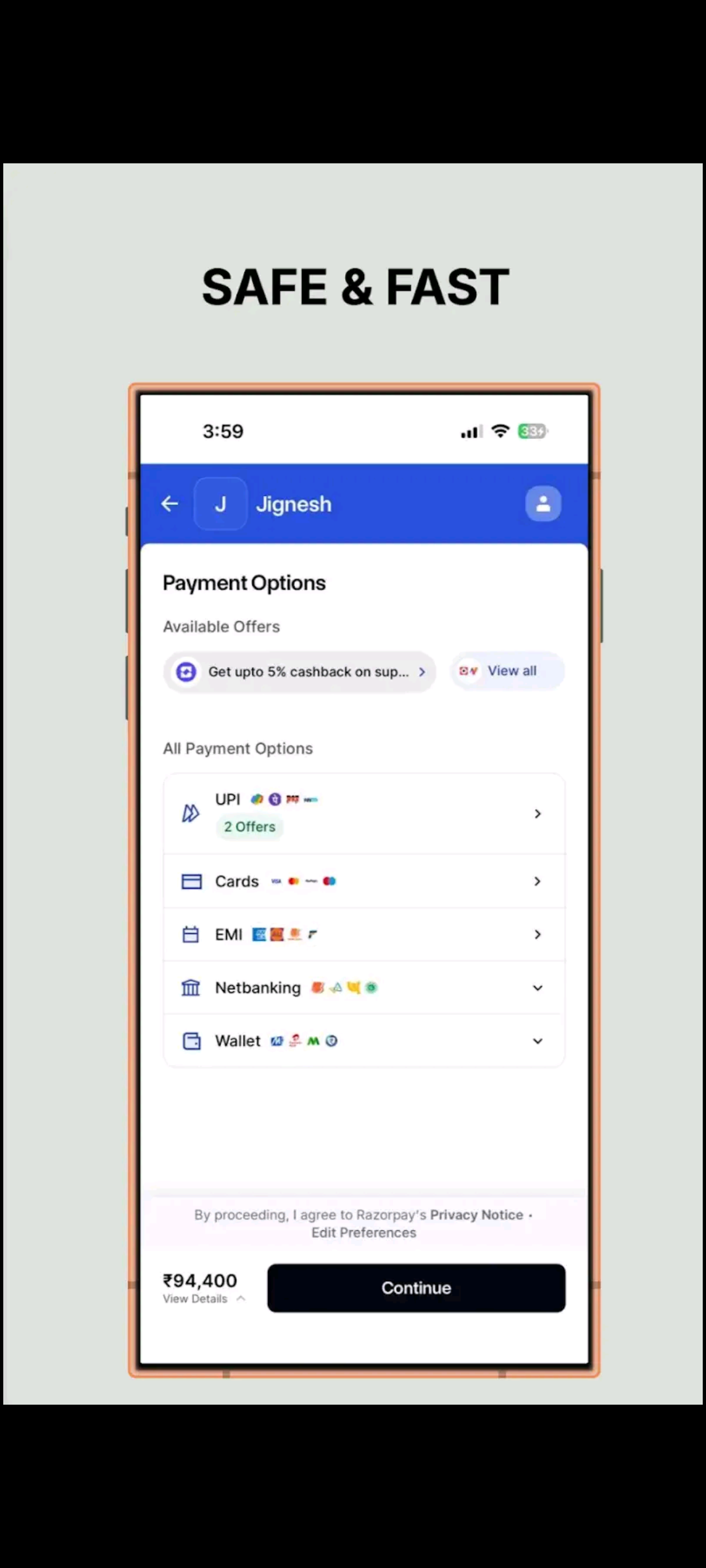
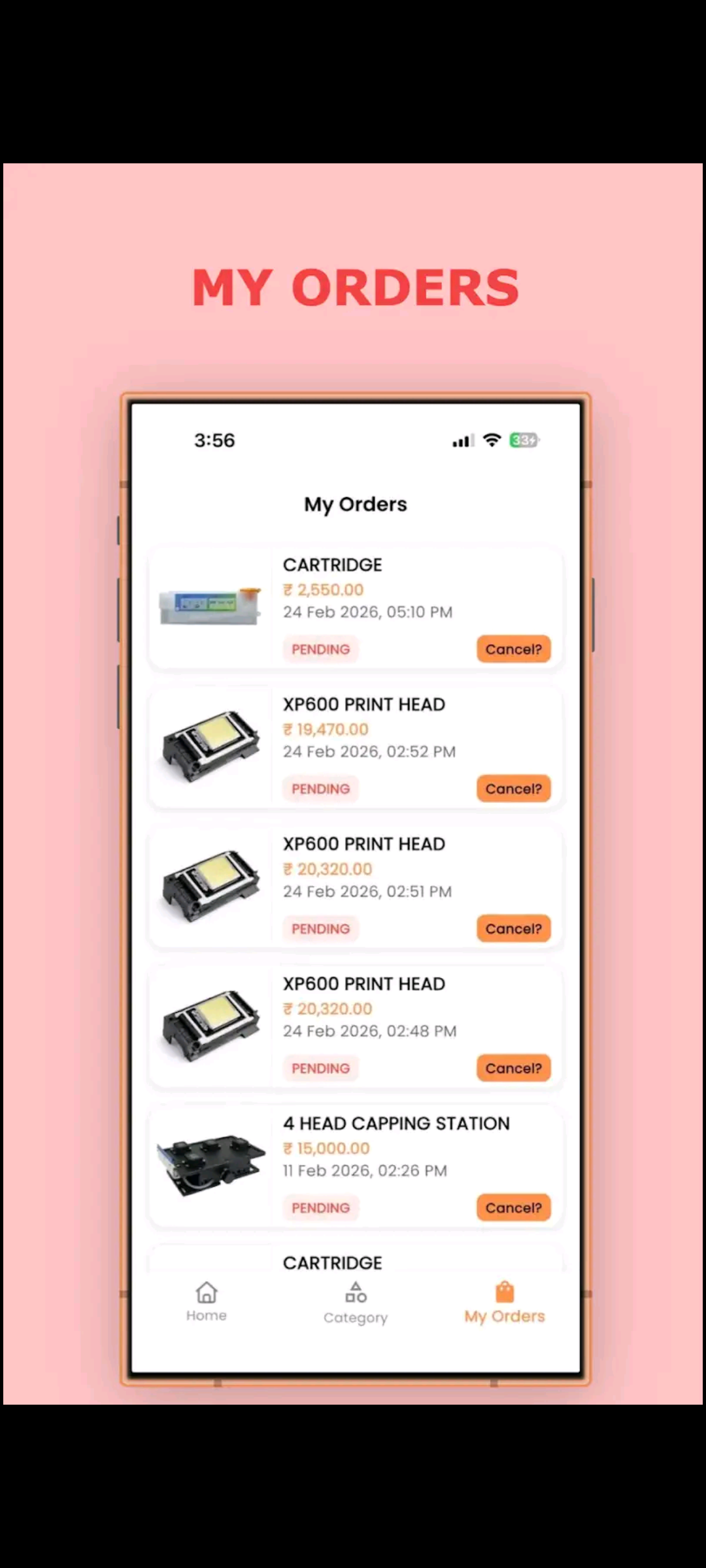
Through this deep-dive analysis, we transitioned from a standard web interface to a dedicated mobile application architecture. This evolution allowed us to implement more robust hardware integration, streamlined file handling for high-resolution designs, and a more intuitive navigation system tailored for professionals on the move. By prioritizing real-time data synchronization and a responsive user interface, the discovery phase ensured that our final application doesn't just display products, but actually serves as a reliable, high-speed tool for the modern printing industry in Surat.
The Challenge.
1. Slow System Performance
Users experienced delays while loading pages and fetching data, especially on mobile browsers, which affected overall usability.
2. Unoptimized Mobile Experience
The web platform was not designed for mobile-first usage, making navigation difficult and interactions less intuitive.
3. API & Data Handling Delays
Frequent API calls caused screen freezes and lag, leading to a poor user experience during critical actions.
4. Database Locking Issues
Concurrent operations sometimes caused database locks, resulting in delays and temporary system instability.
5. Session Reliability Problems
Users were occasionally logged out unexpectedly, creating frustration and interrupting workflow.
6. Limited Device Integration
The web platform could not fully utilize mobile features like push notifications and local storage.
The Solution.
1. Performance Optimization & App Migration
Migrated from a web-based system to a Flutter mobile application, significantly improving speed, reducing load times, and delivering a smoother user experience.
2. Mobile-First UI/UX Design
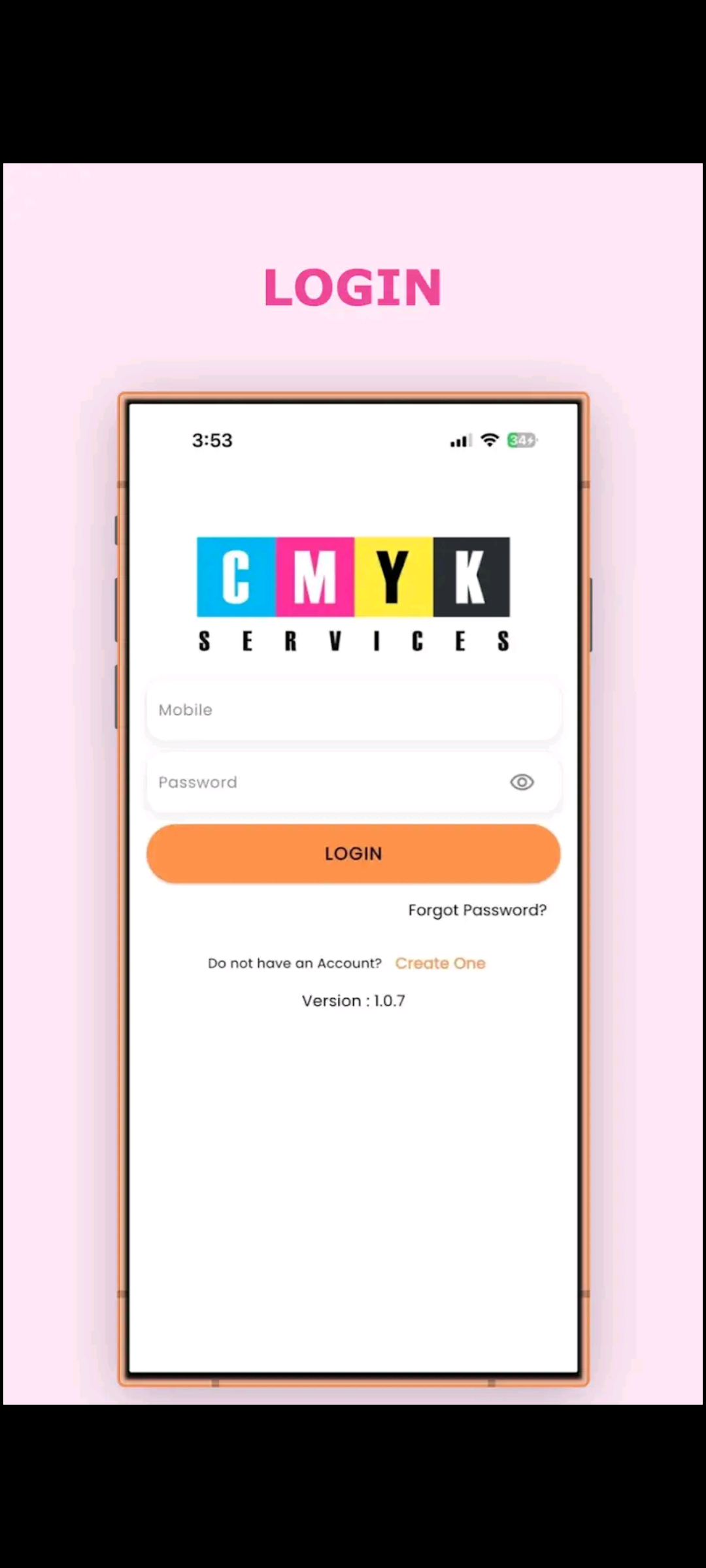
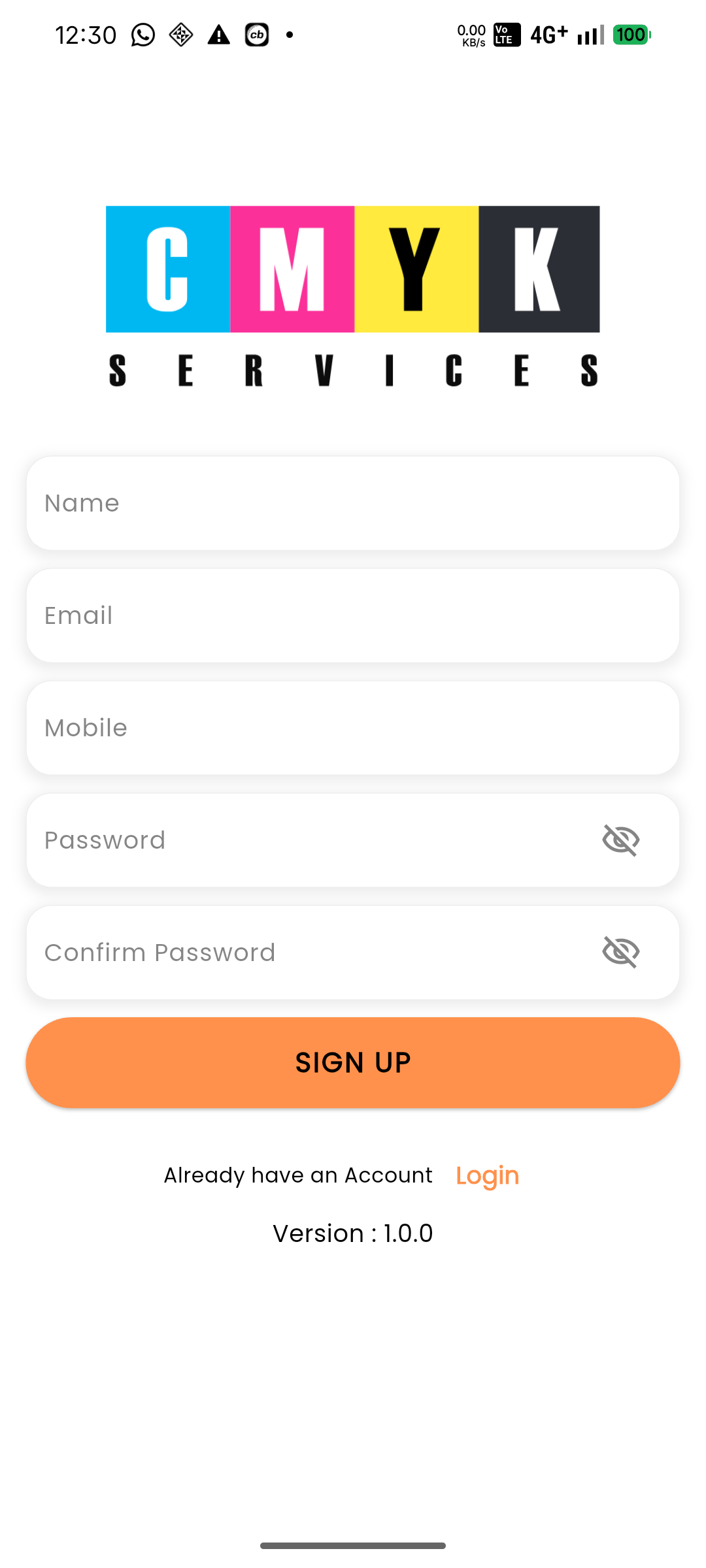
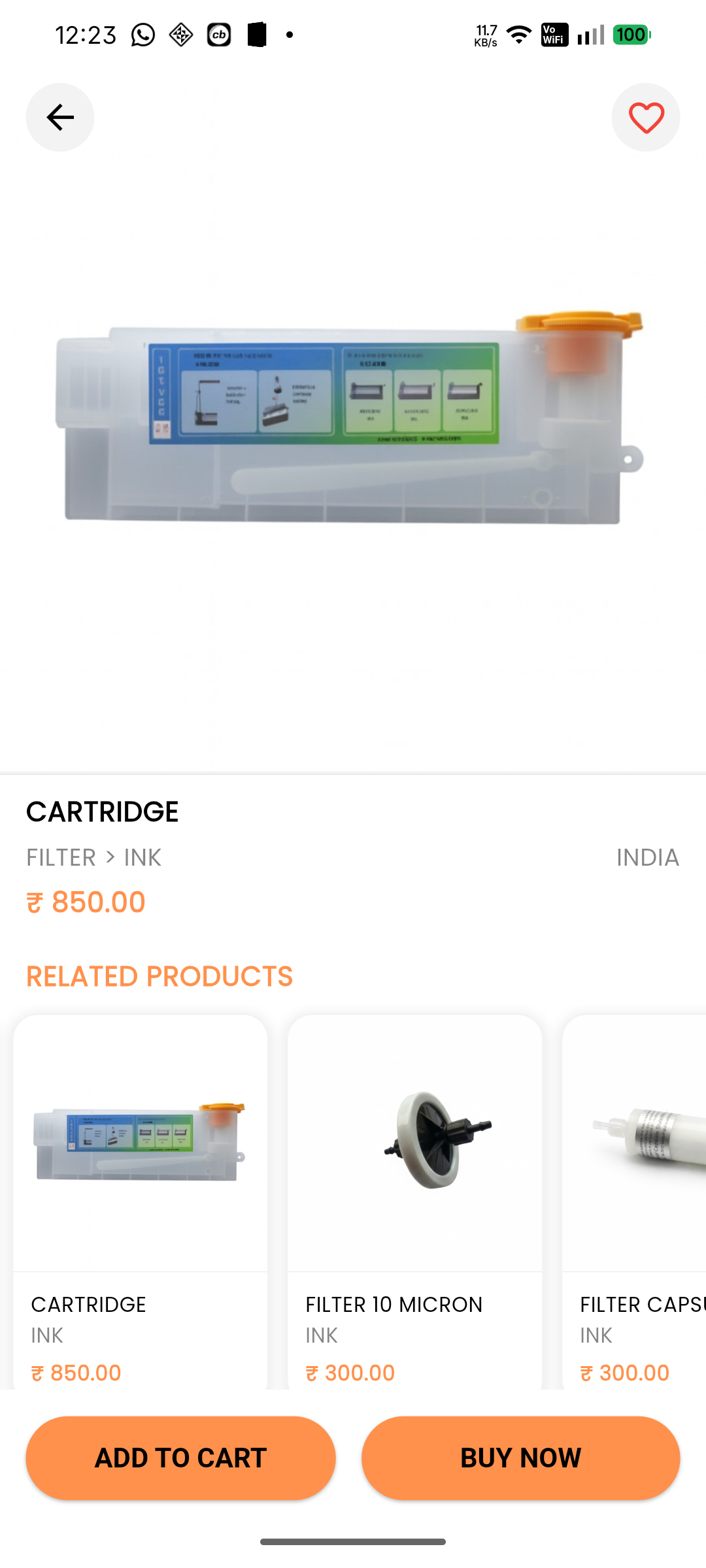
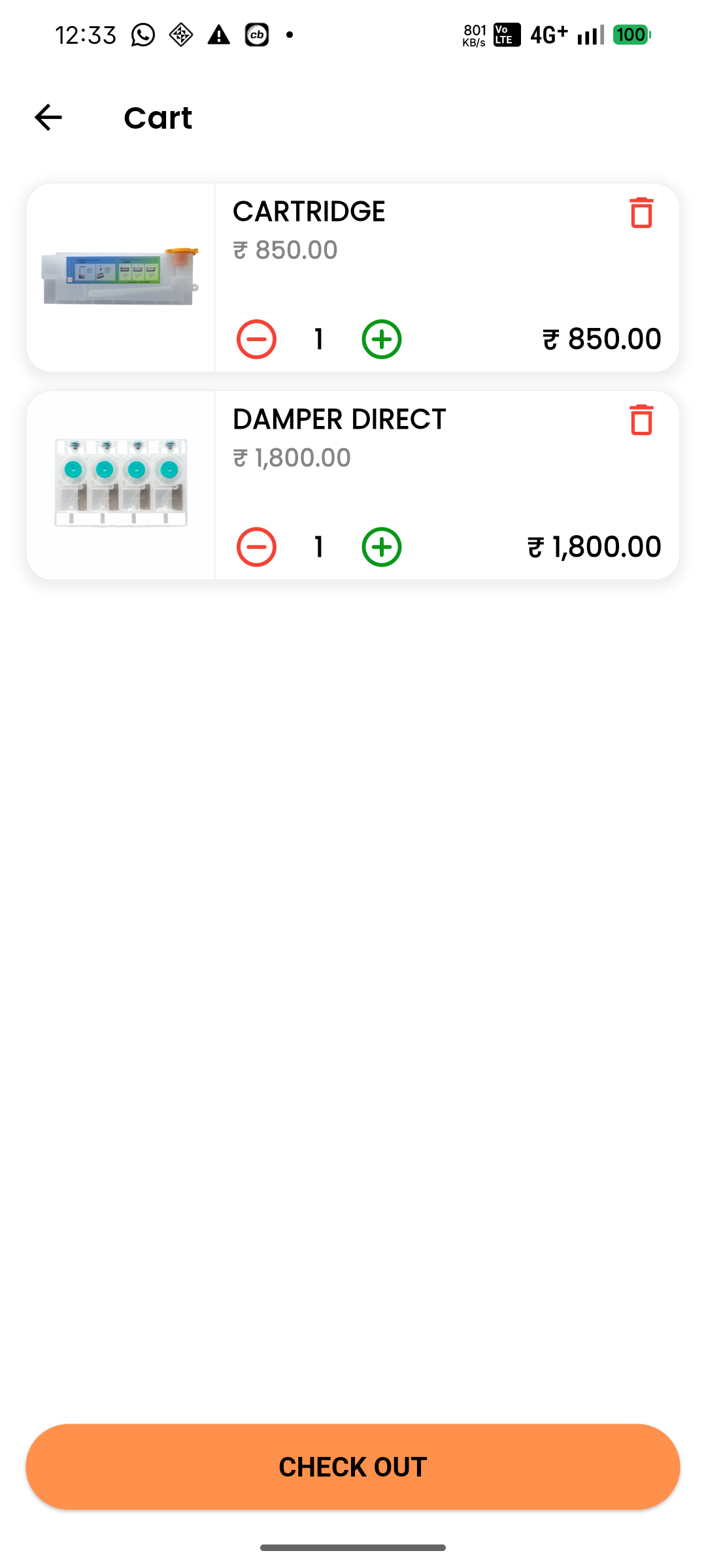
Redesigned the interface specifically for mobile users with intuitive navigation, responsive layouts, and simplified user flows.
3. Optimized API Handling
Implemented asynchronous API calls, loading states, and reduced redundant requests to eliminate UI freezes and ensure smooth data interaction.
4. Improved Database Management
Introduced proper transaction handling and optimized queries to prevent database locking and ensure stable multi-user operations.
5. Persistent Session Management
Used local storage (SharedPreferences) to maintain login sessions, preventing unexpected logouts and improving user continuity.
6. Native Feature Integration
Leveraged mobile capabilities such as push notifications and local data storage to enhance functionality and overall user engagement.
Key Results
Technical Deliverables
1. Significant Performance Improvement
-> App load times were reduced drastically, providing a faster and smoother experience compared to the web version.
2. Enhanced User Experience
-> The mobile-first design improved navigation, usability, and overall user satisfaction.
3. Increased User Engagement
-> Users interacted more frequently with the app due to its ease of use and better accessibility.
4. Improved System Stability
-> Database and API optimizations eliminated crashes, freezes, and locking issues, resulting in a more reliable system.
5. Seamless Session Continuity
-> Persistent login functionality reduced user interruptions and improved retention.
6. Better Feature Utilization
-> Integration of mobile features like notifications and local storage enhanced functionality and real-time interaction.